

Content
-
Class 01
- General guidance
- A brief history
- Choosing your Trimble Connect plan: Free, Pro, Innovate
- The Trimble Connect ecosystem:
- TC Sync: document synchronization
- TC Web: viewing and management in browsers
- TC for Windows: viewing and management on Windows PCs
- TC Mobile: viewing and management on phones and tablets
- Trimble Quadri: management for infrastructure projects
- Other products
- Course scope: TC Sync and TC Web
- Account creation
- User preferences
- Trimble Connect Sync
- Installing and configuring Trimble Connect Sync (TCS)
- Trimble Connect Sync settings
- Data synchronization
- Managing synchronization activities
Class 02
- Project management in Trimble Connect Web (TCW)
- Registering projects
- Managing users and teams
- Adding and removing users
- Creating and editing teams
- Adding and removing users from teams
- Creating folder structures
- Controlling folder permissions for users and teams
- Document management
- Opening and viewing documents in Trimble Connect Web
- Sharing documents
- Using comments and tags to support management
- Document versioning
- Recovering documents from the trash
Class 03
- Reviewing 2D design documents in Trimble Connect for Web
- Opening and viewing drawing DWGs and PDFs
- Creating review annotations
- Creating dimensions
- Creating views and tasks
- Reviewing Microsoft Office documents in Trimble Connect for Web
- Opening and viewing Office documents in Trimble Connect
- Opening and editing Office documents in Office 365 via Trimble Connect
Class 04
- Reviewing BIM models in Trimble Connect for Web
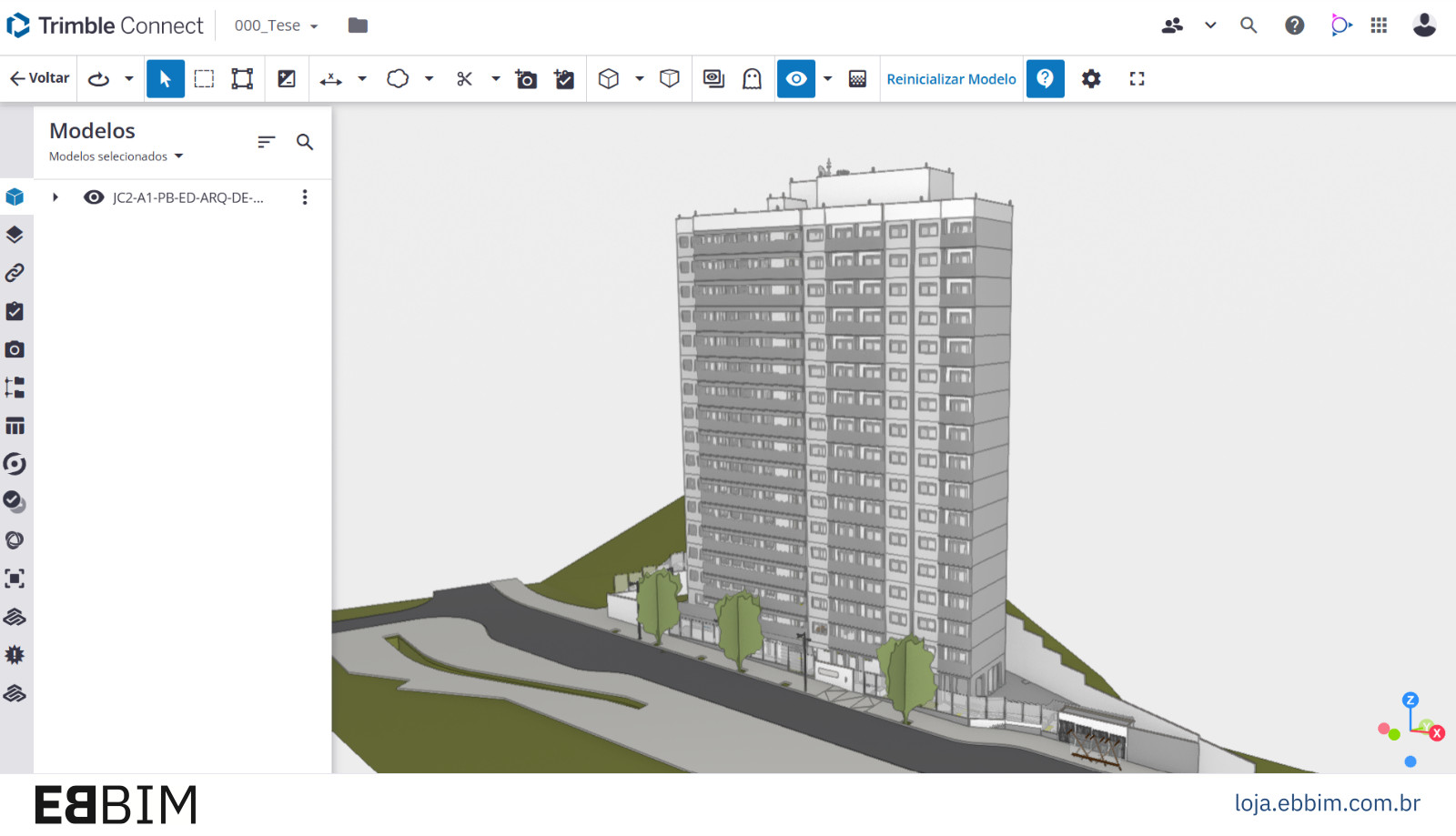
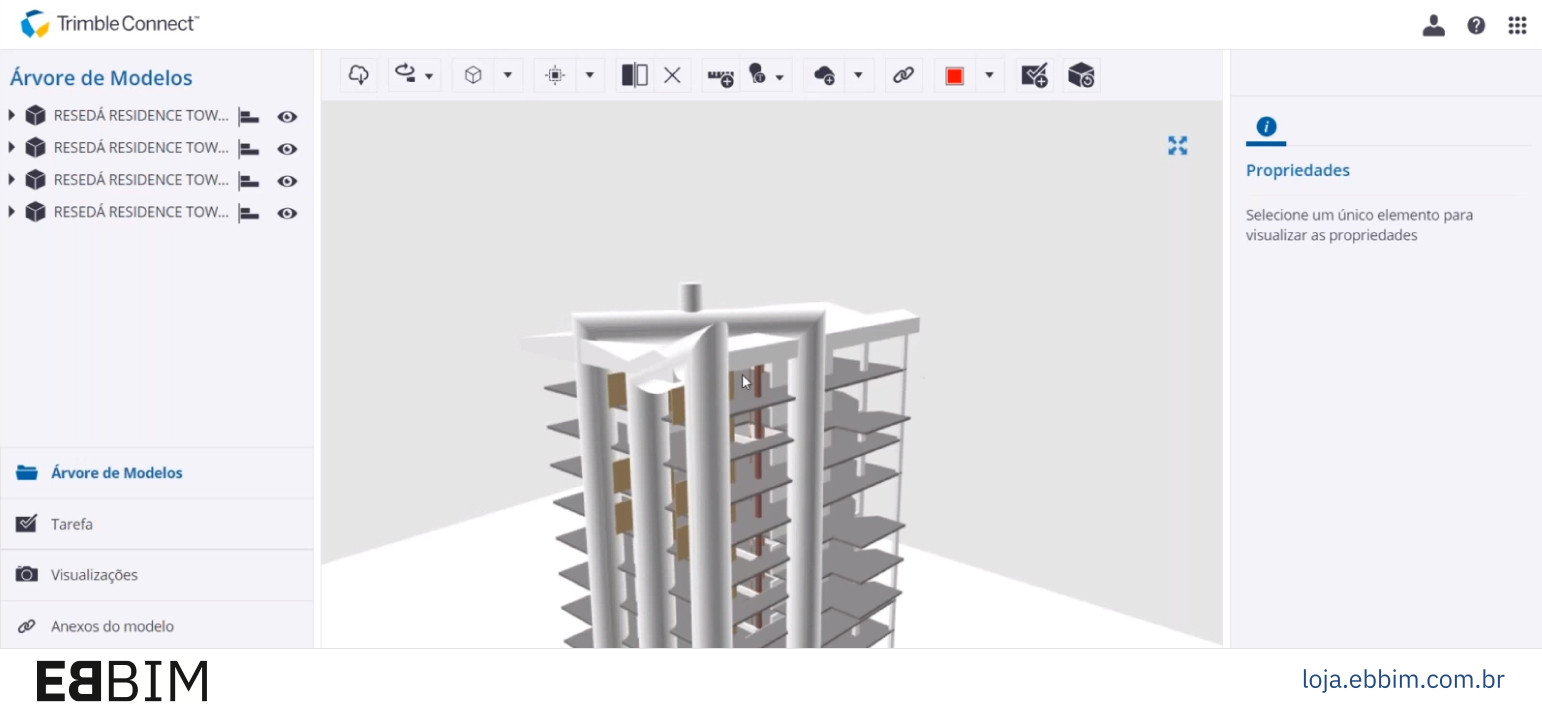
- Opening and viewing BIM models
- Hiding and redisplaying BIM model elements
- Creating review annotations
- Creating dimensions
- Creating section planes
- Creating views to save custom view settings
- Creating tasks
- Exporting tasks
- Importing tasks
Class 05
- Reviewing BIM models in Trimble Connect for Web
- Creating BCF topics
- Exporting BCF topics
- Importing BCF topics
- Managing BIM model elements
- Viewing element information
- Creating and managing documents to attach to elements
- Creating and managing properties to associate with elements
- Creating work breakdown structures to manage elements using the Organizer
Class 06
- Exporting BIM model element data
- Data Table overview
- Controlling and customizing BIM model displays using the Data Table
- Using the Organizer and Data Table together
- Creating data lists
- Exporting data lists
- Overview of processing data exported from Trimble Connect in Excel
Class 07
- Detecting geometric clashes between BIM models
- Selecting models for clash detection tests
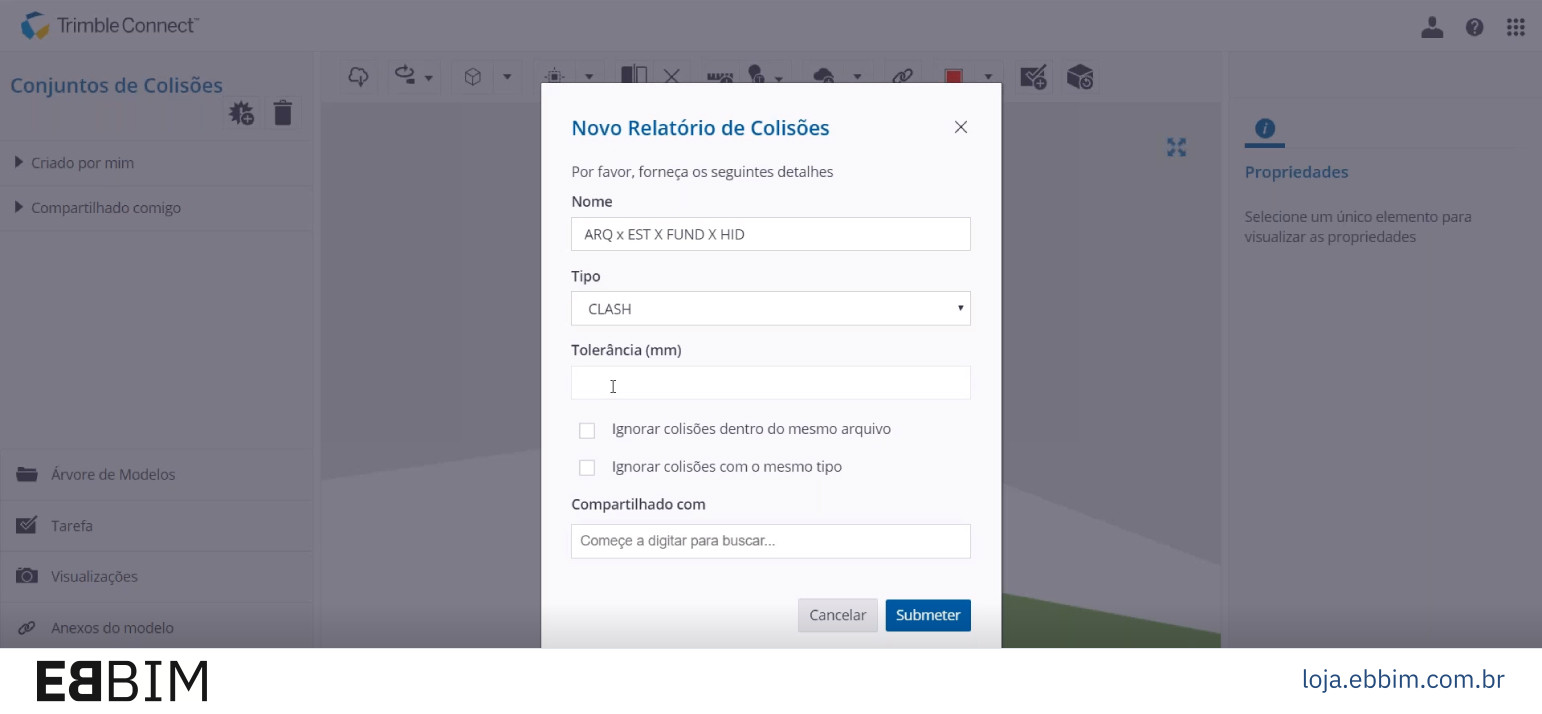
- Creating a clash detection test
- Viewing test results
- Using point clouds in Trimble Connect Web
- Importing point clouds
- Combined viewing of point clouds and BIM models
Class 08
- Managing delivery packages (document transmittals)
- Creating and managing delivery packages with the Trimble Connect Web “Releases” tool
- Creating and managing delivery packages using the common Trimble Connect Web folder structure
- Activity management
- Checking the activity log in Trimble Connect
- Filtering activities
- Exporting activity logs to Excel
- Exporting other logs: document, view, task and BCF topic activity, users and teams, among others.
- General guidance
Who is this course for?
This course is for professionals and students involved in project coordination, document and team management, planning and construction management who need to organize collaborative BIM work. It is suitable for clients, designers, consultants and contractors wishing to centralize files and models, control versions and deliverables, assign and track tasks and use project information to analyze conflicts, extract quantities and monitor team performance.
Course technical details
- 20 hours of live online classes
- Course materials are provided as BIM models in IFC and other formats, PowerPoint or PDF presentations and Excel tables, with extensive bibliographic references to further your studies.
- PLEASE NOTE: Copies of the ABNT standards mentioned in this course are not provided!
- Access all your classes, recorded live on video! You have three months from the start of the course to download your video classes.
- Our courses count as complementary activities in undergraduate architecture, engineering and design programs.
- At the end of the course, a completion certificate is issued to those who attended at least 75% of the live online classes.
About the instructor
- In education, Gaspar has spent 26 years researching BIM-related tools and processes and developing training under the EBBIM – Empresa Brasileira de BIM brand.
- In academia, Gaspar teaches BIM in postgraduate programs at FIA Business School, SENAI-SP/ISEP and Universidade Presbiteriana Mackenzie.
- Work on the development and editing of BIM guides and manuals:
- Co-authorship of the teaching materials for the Democratizando BIM – Agentes Públicos course for the Brazilian Agency for Industrial Development (ABDI): 5 workbooks and instructional video scripts, in 2025;
- Participation in a working group and content review of 3 BIM manuals for the Urban Infrastructure Department of São Paulo City Hall (SIURB), in 2025;
- Co-writing and co-editing of the Good Practice Guide for BIM Procurement: Volume I – General Guidelines, for the National Union of Architecture and Consulting Engineering Companies (SINAENCO), in 2024;
- Since November 2022, Gaspar has coordinated ABNT Special Study Commission 134, responsible for creating, editing and publishing Brazilian BIM standards. Between 2018 and 2022, within CEE-134, Gaspar participated in the working group that developed parts of ABNT NBR 15965-4:2021. Construction Information Classification System:
- ABNT NBR 15965-4:2021. Construction Information Classification System. Part 4. Construction Resources;
- ABNT NBR 15965-5:202. Construction Information Classification System. Part 5. Construction Results
- ABNT NBR 15965-6: Construction Information Classification System. Part 6. Construction Units and Spaces.
- Since February 2022, he has been a PhD candidate in the Graduate Program in Architecture and Urbanism at FAU-USP, researching the use of BIM in social housing projects under the supervision of Prof. Dr. Gil Garcia de Barros.
- In August 2019, Gaspar obtained a master's degree from the Graduate Program in Architecture, Technology and the City at the University of Campinas (Unicamp), supervised by Prof. Dr. Regina Ruschel.
- With ProBooks Editora, João Gaspar has authored several books, notably “Revit passo a passo – volume I” (co-authored), “ARCHICAD passo a passo”, volumes I and II (co-authored), “Vectorworks passo a passo” and “SketchUp Pro 2013 passo a passo”. With the same publisher, Gaspar edited “101 Conceitos em Arquitetura e Urbanismo na Era Digital”, “Arquitetura contemporânea e automação: prática e reflexão” and “Métricas Urbanas: abordagens paramétricas no planejamento de bairros e cidades sustentáveis”.
- As a researcher, his publications and presentations at major conferences include: Autodesk University (Las Vegas, 2023 and Nashville, 2025), SIGraDI 2024 (Barcelona, 2024), CIB W78 2018 (Chicago, USA), SIGraDI 2017 (Concepción, Chile), CIB W78 2015 (Eindhoven, Netherlands) and TIC 2015 (Recife).