EBBIM platform for the bulk analysis and validation of information in BIM models, provided as a subscription service (SaaS), with browser-based access.
Request a quote
| Subscription |
Price on request |
| Access |
Web browser |
The Rosa platform is structured into the following modules:
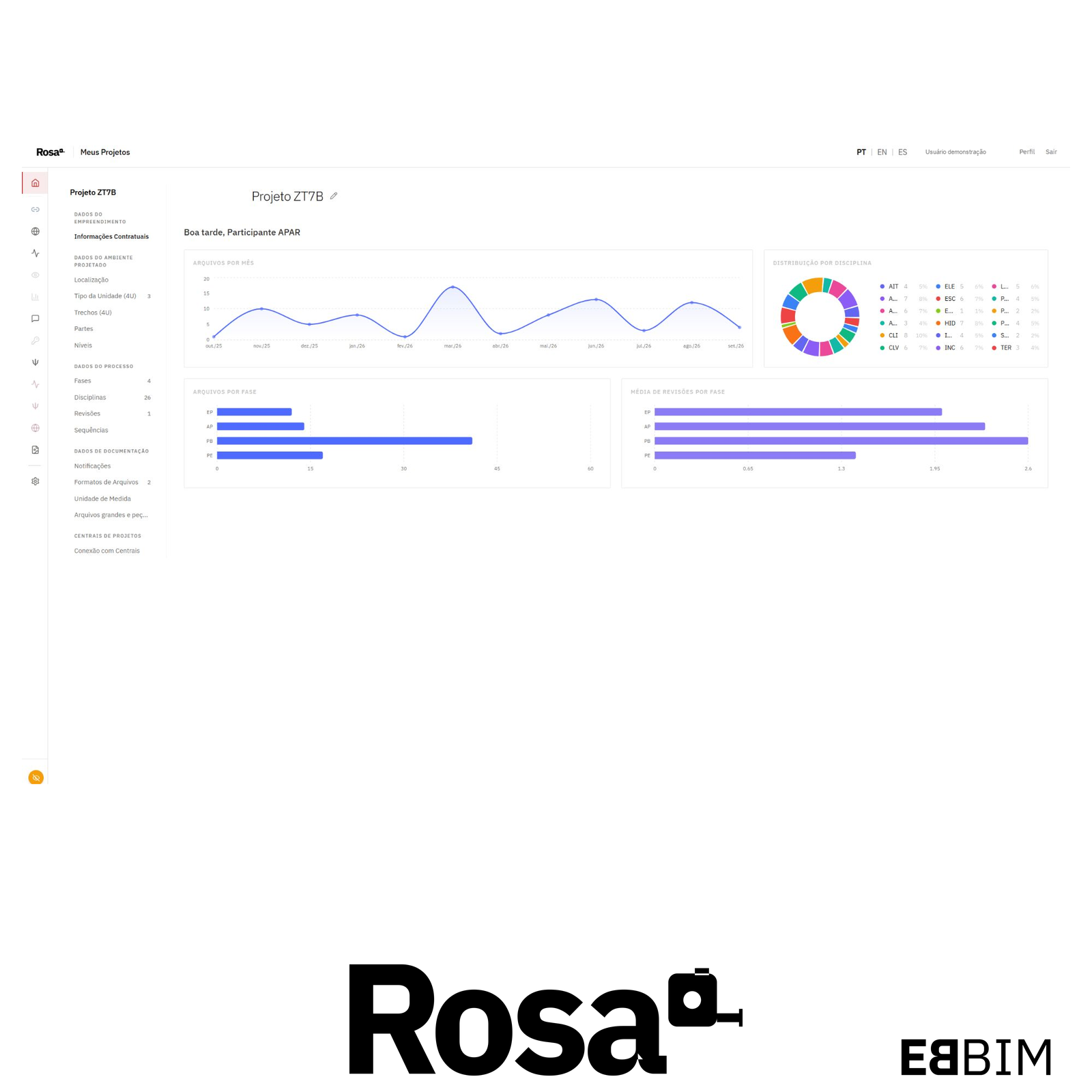
Home: project configuration and organization
Each project brings together its analysis references, including phases, disciplines, parts, sections, levels, units of measurement, and revision and sequence codes. These records establish the parameters used to organize files and run checks. The project also brings together its participants, with access control for platform tools and operations.
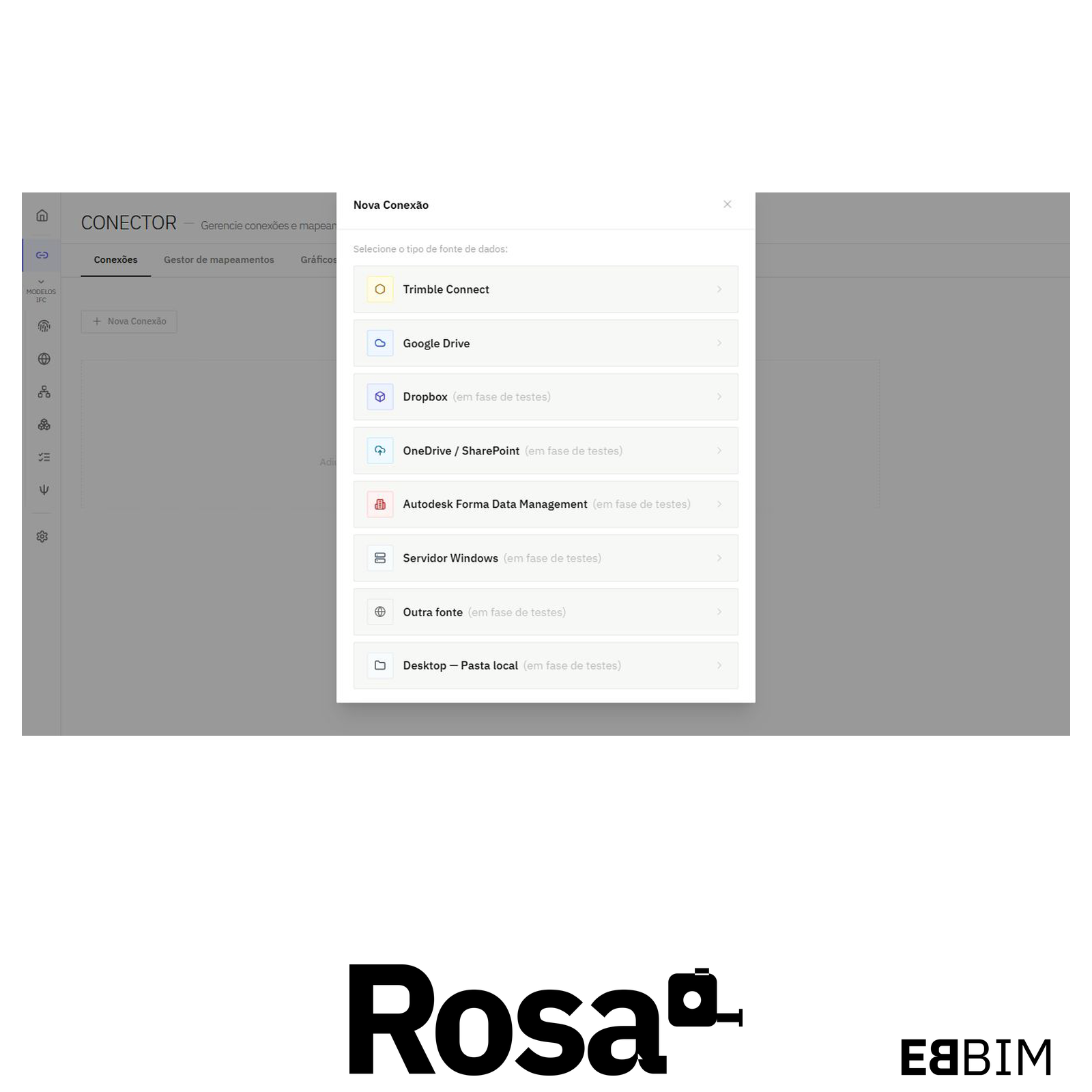
CONECTOR — file sources and delivery tracking
Connects the project to file sources such as Google Drive and Trimble Connect. Integrations with Autodesk Forma Data Management and local folders are being tested. It uses file names and folder structure to map models to phases, disciplines, parts, sections and revisions. Indicators and charts help track deliveries.
ID — model identification and origin
Identifies the IFC schema of each file and checks it against the schema accepted by the project. It also shows the origin data declared in the model, such as the originating system and the applications recorded in the IFC file.
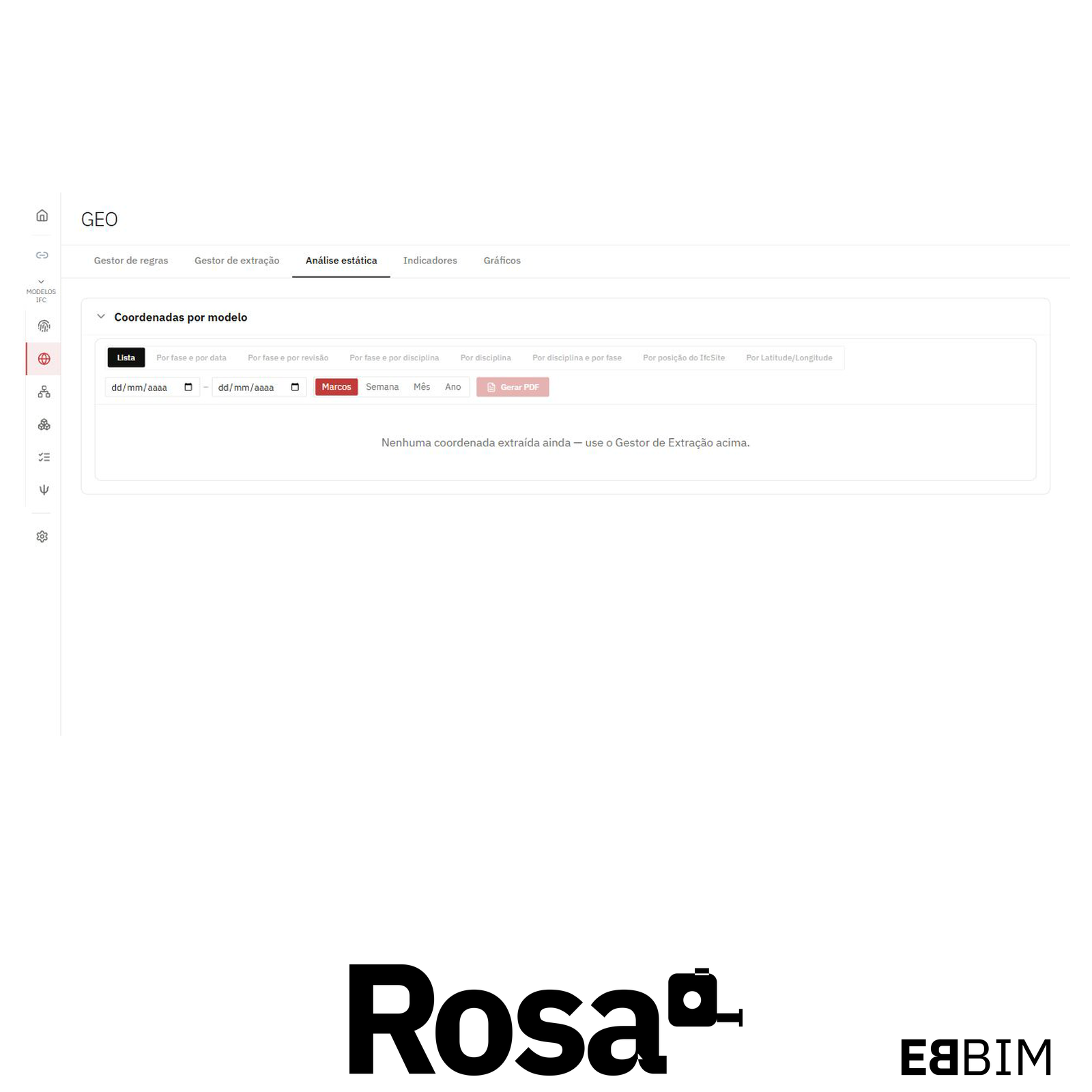
GEO — model georeferencing
Extracts coordinates, elevation, orientation and the coordinate reference system from IFC models. It lets you compare this data with the project references and view the models in their geographic context.
SPATIAL — level and unit checks
Compares the storeys in each IFC model with the project’s reference levels to identify differences in count, names, elevations and order. It also identifies the length unit declared in the model.
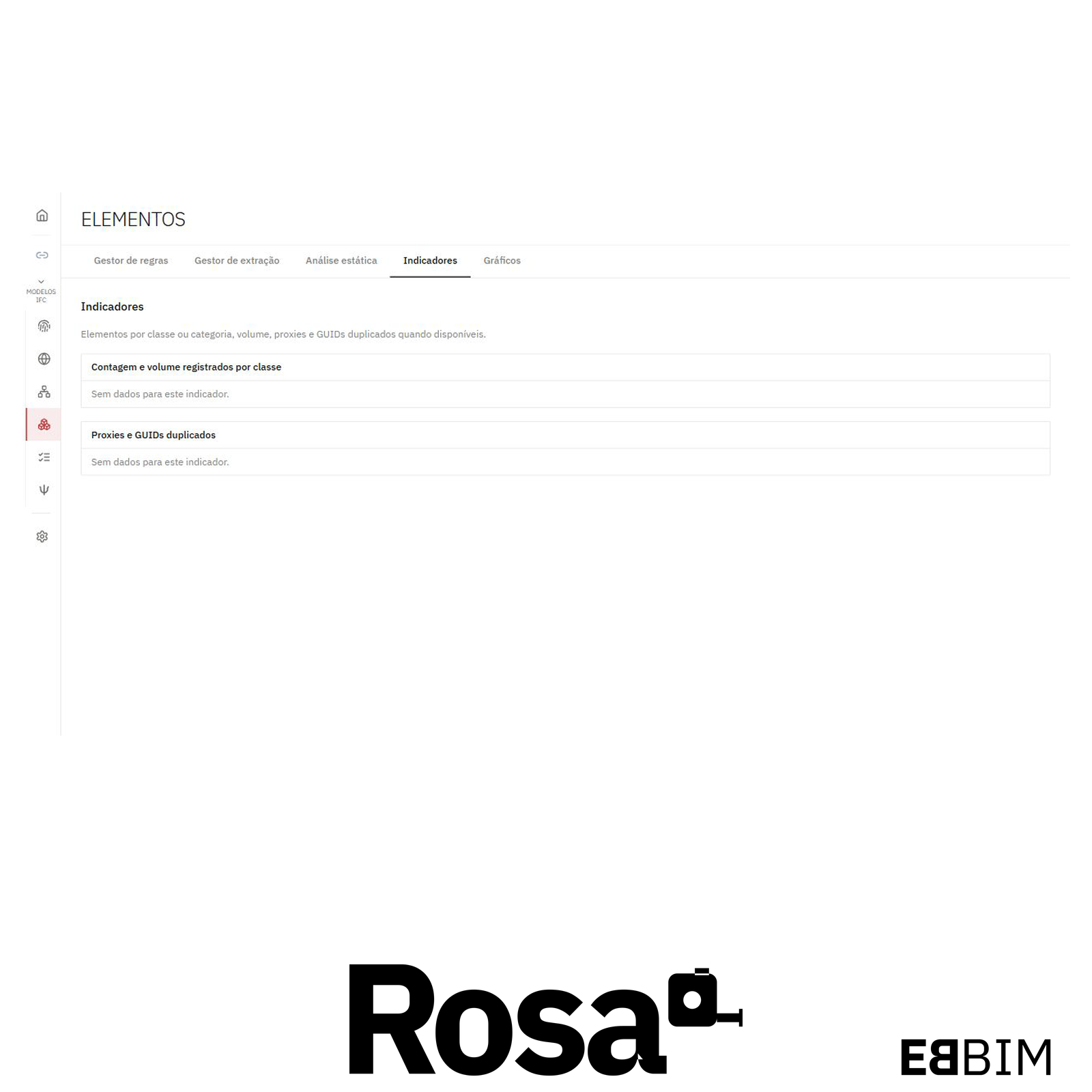
ELEMENTS — model element auditing
Reports counts by IFC class, geometric volumes, face counts, elements classified as proxies and duplicate IFC identifiers, based on the extraction rules. Tables and charts let you compare these indicators across deliveries.
PROPERTIES — property completion checks
Checks whether the properties specified in the project rules have values. Results show the number of filled and empty values for each property set and property.
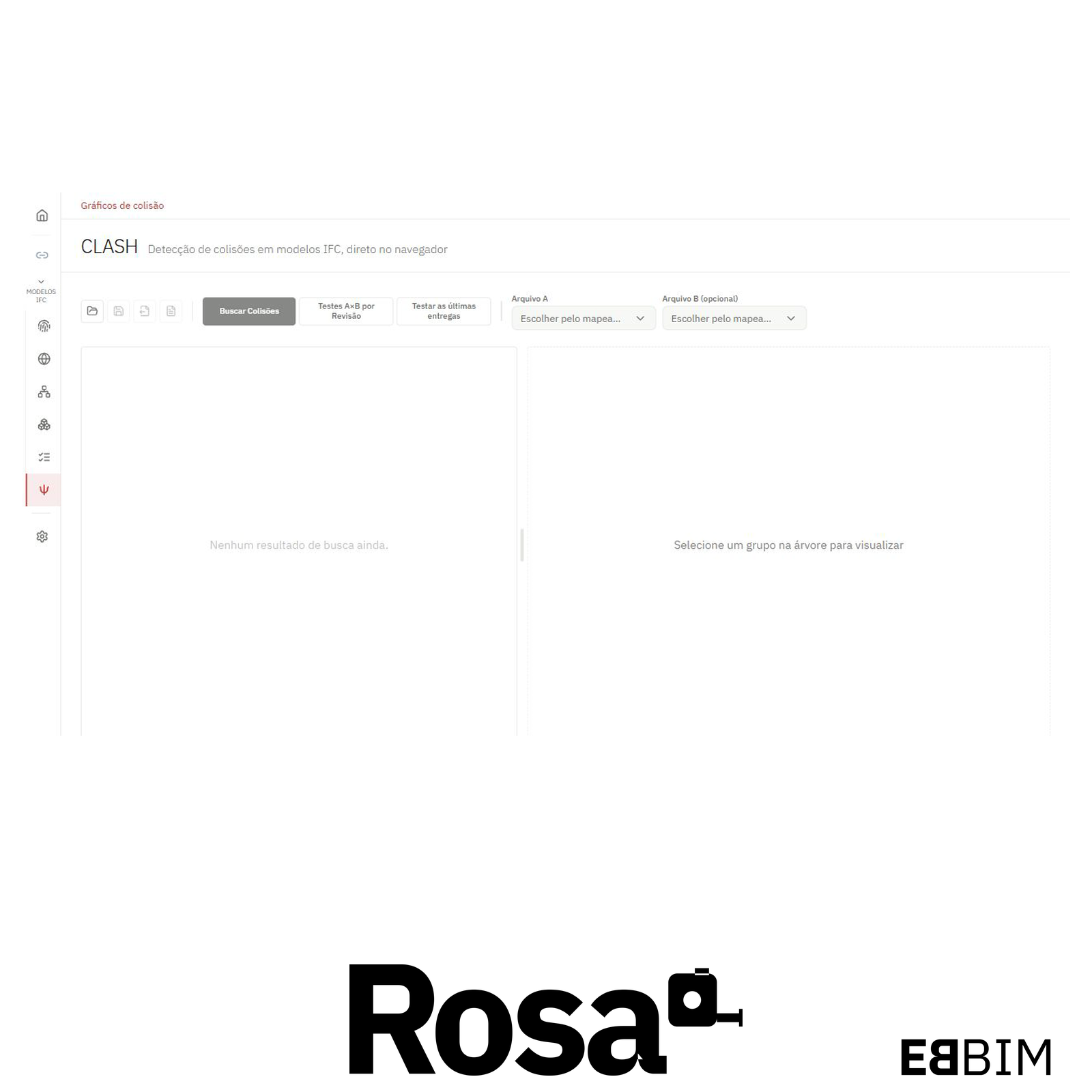
CLASH — clash tests and charts
Detects clashes between elements in the same IFC model or in different models. It supports individual and batch tests with configurable tolerances, 3D inspection of clashes, review of saved audits, and export of results to PDF and BCF.
In the firm’s daily work, ROSA connects file delivery to the checking process: it organizes sources, extracts data, runs the configured analyses and presents results for consultation and communication. The history makes it possible to assess progress across deliveries and support coordination meetings, revision requests and reports to the client.
Processing preserves the original IFC files. Identified discrepancies are presented to the team so that adjustments can be made in the authoring software, maintaining the distinction between the delivered model and the audit result.
EBBIM platform for the bulk analysis and validation of information in BIM models, provided as a subscription service (SaaS), with browser-based access.
Request a quote
| Subscription |
Price on request |
| Access |
Web browser |
The Rosa platform is structured into the following modules:
Home: project configuration and organization
Each project brings together its analysis references, including phases, disciplines, parts, sections, levels, units of measurement, and revision and sequence codes. These records establish the parameters used to organize files and run checks. The project also brings together its participants, with access control for platform tools and operations.
CONECTOR — file sources and delivery tracking
Connects the project to file sources such as Google Drive and Trimble Connect. Integrations with Autodesk Forma Data Management and local folders are being tested. It uses file names and folder structure to map models to phases, disciplines, parts, sections and revisions. Indicators and charts help track deliveries.
ID — model identification and origin
Identifies the IFC schema of each file and checks it against the schema accepted by the project. It also shows the origin data declared in the model, such as the originating system and the applications recorded in the IFC file.
GEO — model georeferencing
Extracts coordinates, elevation, orientation and the coordinate reference system from IFC models. It lets you compare this data with the project references and view the models in their geographic context.
SPATIAL — level and unit checks
Compares the storeys in each IFC model with the project’s reference levels to identify differences in count, names, elevations and order. It also identifies the length unit declared in the model.
ELEMENTS — model element auditing
Reports counts by IFC class, geometric volumes, face counts, elements classified as proxies and duplicate IFC identifiers, based on the extraction rules. Tables and charts let you compare these indicators across deliveries.
PROPERTIES — property completion checks
Checks whether the properties specified in the project rules have values. Results show the number of filled and empty values for each property set and property.
CLASH — clash tests and charts
Detects clashes between elements in the same IFC model or in different models. It supports individual and batch tests with configurable tolerances, 3D inspection of clashes, review of saved audits, and export of results to PDF and BCF.
In the firm’s daily work, ROSA connects file delivery to the checking process: it organizes sources, extracts data, runs the configured analyses and presents results for consultation and communication. The history makes it possible to assess progress across deliveries and support coordination meetings, revision requests and reports to the client.
Processing preserves the original IFC files. Identified discrepancies are presented to the team so that adjustments can be made in the authoring software, maintaining the distinction between the delivered model and the audit result.