

Content
Class 01
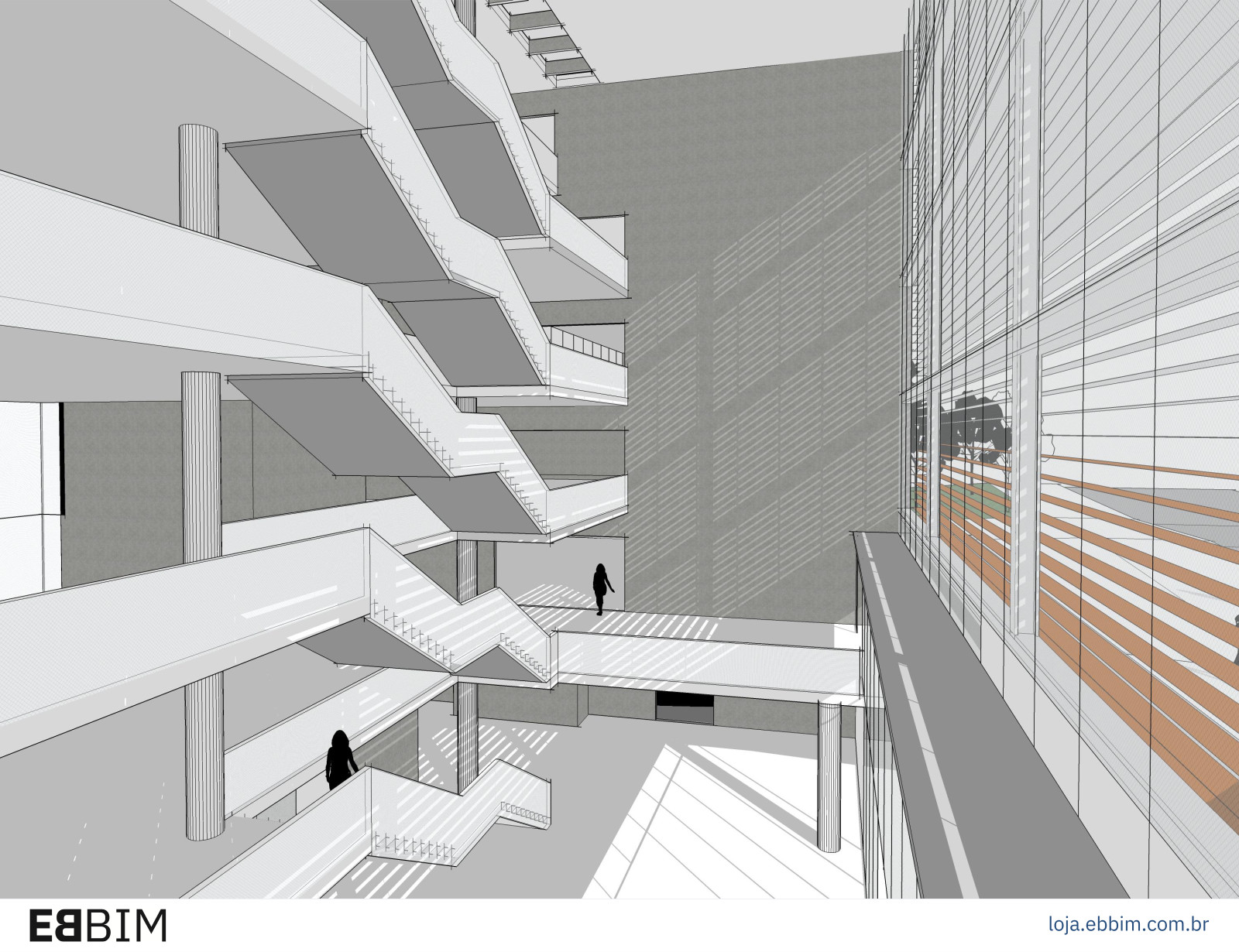
- Visualization — course objectives, review of the program interface and presentation of the plugins to be installed
- Geolocation
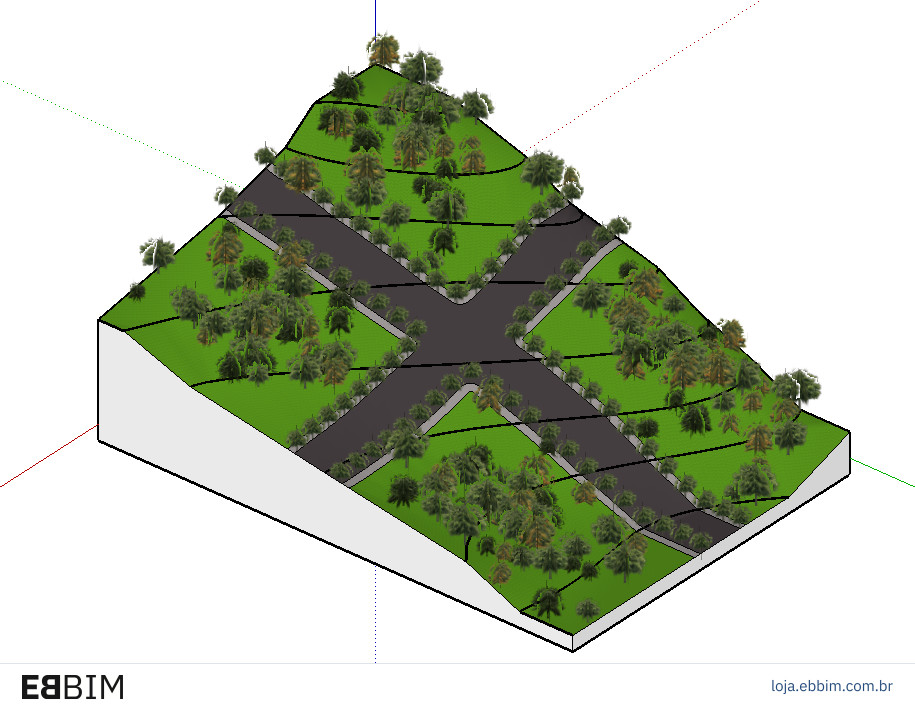
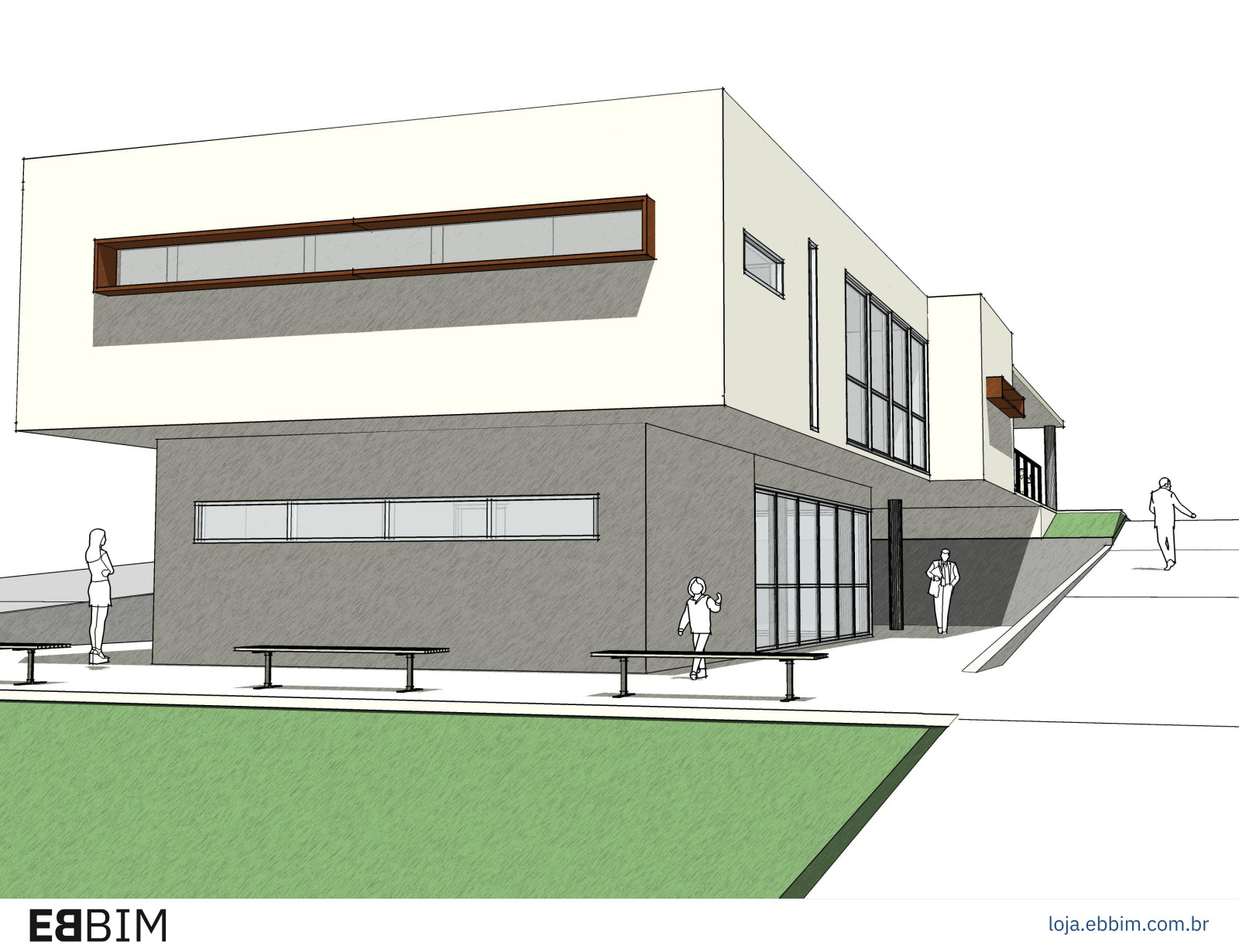
- Site modeling — geometry, dimensions, guides and extrusion; differences between components and groups; organizing and creating components for natural terrain and cut-and-fill volumes;
- organizing the model into levels (floors);
- starting to use tags
Class 02
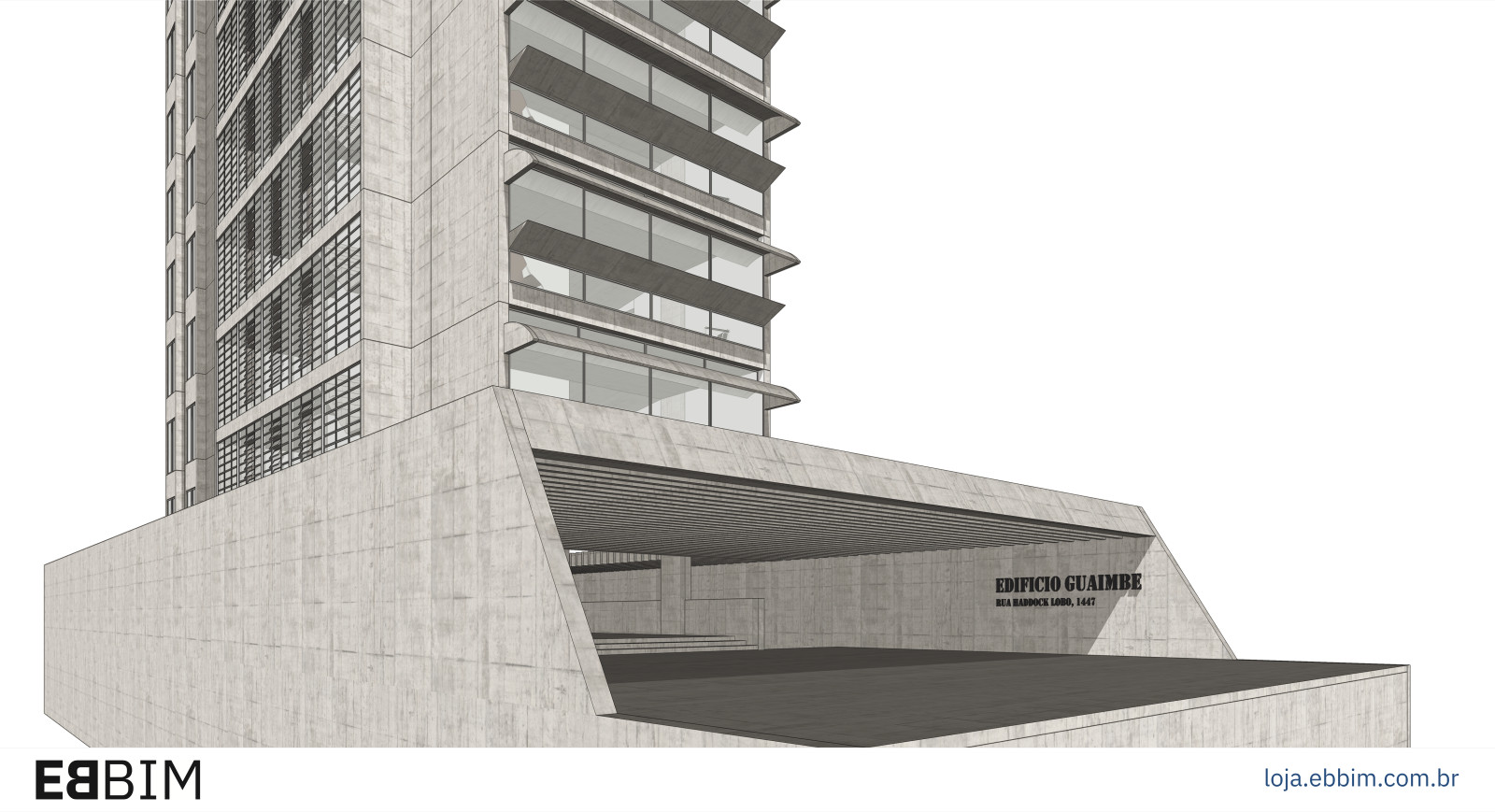
- Modeling slabs and walls — importing DWG and optimizing tools and strategies to create slabs, columns and walls; introduction to the e.Modeling plugin
- Modeling stairs — assembling nested components; advanced use of the Follow Me tool
- Window frame modeling — an example of nested components distributed among parent components.
Class 03
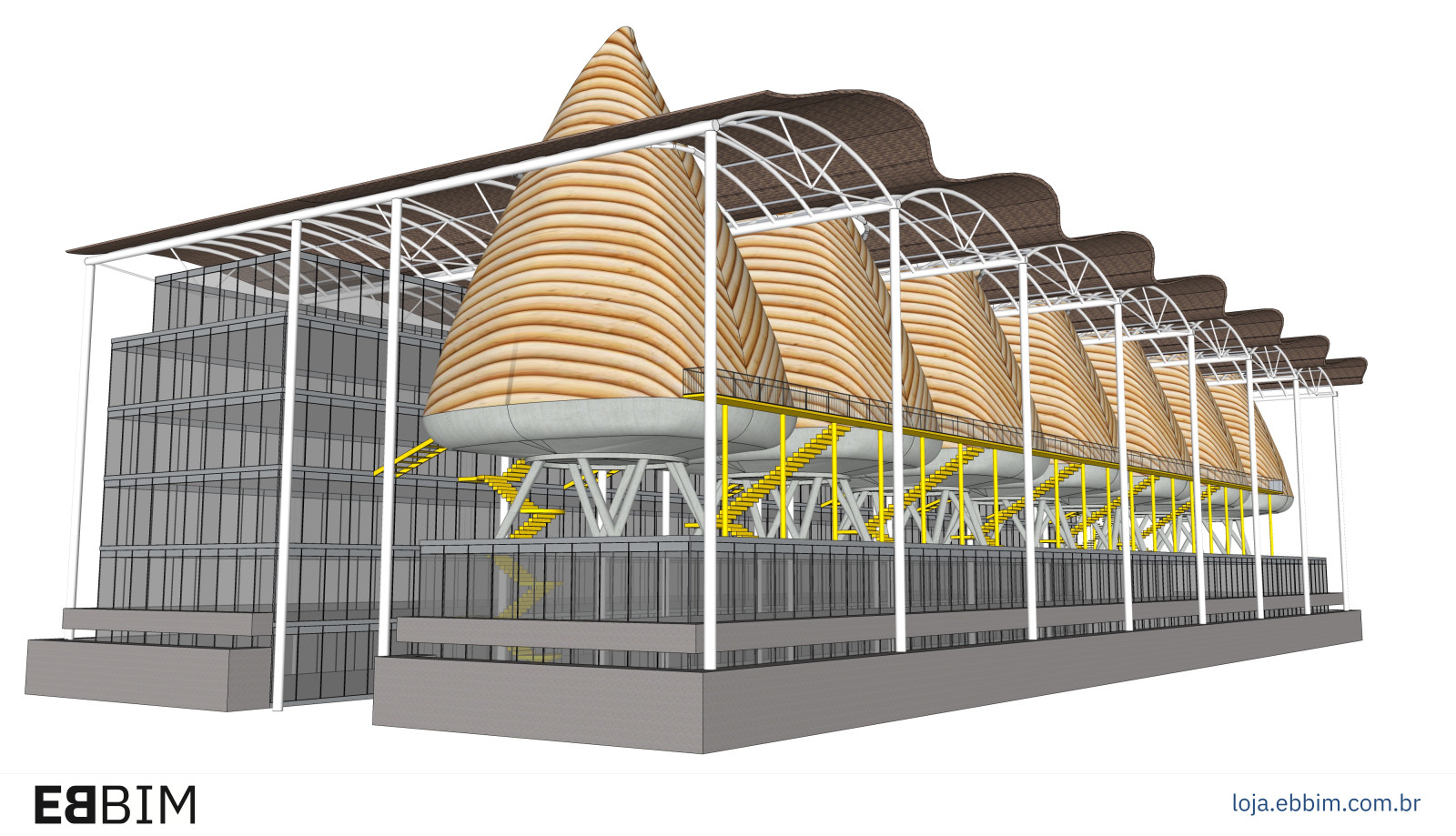
- Modeling objects using Sandbox tools and plugins such as PathCopy, Weld Fredo6 and 1001bit tools
- Solid modeling — solid tools
- Advanced use of the Outliner to organize levels (floors), spaces and objects
- Advanced use of the Tags window to organize objects according to their categories or functions within the model
Class 04
- Inserting and adjusting components — component library, 3D Warehouse and downloads, component placement and locking keys
- Creating components optimized for 2D plan and elevation views, in harmony with 3D modeling
- Technical specification of components — how to add information about the brand, SKU, manufacturer and other technical characteristics of the object for later identification in drawings or quantity takeoffs
Class 05
- Applying and creating textures — texture window, applying and editing textures, importing textures; working with object faces and textures
- Using textures on walls, floors, columns, slabs, beams and roofs for quantity extraction
Class 06
- Styles — Learn how every feature in the Styles window works: lines, background, sky, textures, section planes and modeling display settings.
- Managing component, texture and style libraries
Class 07
- Scenes — Learn in depth how to use scene creation tools to control project visibility and documentation.
- Learn how to combine tags, styles and scenes effectively, keeping your model organized with the Scenes window and different styles in different scenes
- Introduction to e.Manager, a tool for optimizing model documentation organization.
Class 08
- Quantity reporting using SketchUp Pro's original method and EBBIM's extraction tool, which can extract texture areas per component or group
- Exporting the model to IFC and opening it in Trimble Connect, BIM Collab Zoom, ZW CAD and other programs
- Importing and manipulating IFC files created in Revit, ARCHICAD, ArchLineXP, TQS, QiBuilder and other programs
Who is this course for?
This course is for architects, engineers, interior designers, designers and students wishing to develop more complete, organized projects in SketchUp Pro. It serves those looking to consolidate fundamentals and progress in modeling terrain, buildings and complex objects, as well as users who already produce studies and digital models and want to improve their techniques, structure models professionally and use their data for documentation and quantity takeoffs.
Course technical details
16 hours of live online classes
Course materials are provided as BIM models in IFC and other formats, PowerPoint or PDF presentations and Excel tables, with extensive bibliographic references to further your studies.
PLEASE NOTE: Copies of the ABNT standards cited in this course are not provided!
Access all your classes, recorded live on video! You have 3 months from the start of the course to download your video classes.
Our courses count as complementary activities in undergraduate architecture, engineering and design programs.
At the end of the course, a completion certificate is issued to those who attended at least 75% of the live online classes.
About the instructor
- In education, Gaspar has spent 26 years researching BIM-related tools and processes and developing training under the EBBIM – Empresa Brasileira de BIM brand.
- In academia, Gaspar teaches BIM in postgraduate programs at Universidade Presbiteriana Mackenzie (Architecture and Civil Engineering), SENAI-SP/ISEP and FIA Business School.
Work on the development and editing of BIM guides and manuals:
Co-authorship of the teaching materials for the Democratizando BIM – Agentes Públicos course for the Brazilian Agency for Industrial Development (ABDI): 5 workbooks and instructional video scripts, in 2025; - Participation in a working group and content review of 3 BIM manuals for the Urban Infrastructure Department of São Paulo City Hall (SIURB), in 2025;
- Co-writing and co-editing of the Good Practice Guide for BIM Procurement: Volume I – General Guidelines, for the National Union of Architecture and Consulting Engineering Companies (SINAENCO), in 2024;
- Since November 2022, Gaspar has coordinated ABNT Special Study Commission 134, responsible for creating, editing and publishing Brazilian BIM standards. Between 2018 and 2022, within CEE-134, Gaspar participated in the working group that developed parts of ABNT NBR 15965-4:2021. Construction Information Classification System:
- ABNT NBR 15965-4:2021. Construction Information Classification System. Part 4. Construction Resources;
- ABNT NBR 15965-5:202. Construction Information Classification System. Part 5. Construction Results
- ABNT NBR 15965-6: Construction Information Classification System. Part 6. Construction Units and Spaces.
- Since July 2022, Gaspar has held a PhD from the Graduate Program in Architecture and Urbanism at FAU-USP, with research into the use of BIM in social housing projects, supervised by Prof. Dr. Gil Garcia de Barros.
- In August 2019, Gaspar obtained a master's degree from the Graduate Program in Architecture, Technology and the City at the University of Campinas (Unicamp), supervised by Prof. Dr. Regina Ruschel.
- With ProBooks Editora, João Gaspar has authored several books, notably “Revit passo a passo – volume I” (co-authored), “ARCHICAD passo a passo”, volumes I and II (co-authored), “Vectorworks passo a passo” and “SketchUp Pro 2013 passo a passo”.
- With the same publisher, Gaspar edited “101 Conceitos em Arquitetura e Urbanismo na Era Digital”, “Arquitetura contemporânea e automação: prática e reflexão” and “Métricas Urbanas: abordagens paramétricas no planejamento de bairros e cidades sustentáveis”.
- As a researcher, his publications and presentations at major conferences include: Trimble Dimensions (Las Vegas, 2026), Autodesk University (Las Vegas, 2023 and Nashville, 2025), A ERA BIM (São Paulo, 2025, 2024 and 2023), SIGraDI 2024 (Barcelona, 2024), CIB W78 2018 (Chicago, USA), SIGraDI 2017 (Concepción, Chile), CIB W78 2015 (Eindhoven, Netherlands) and TIC 2015 (Recife).